


















































About Emulator Games Zone
Emulator Games Zone is a browser-based platform focused on Emulator Games, bringing together a large collection of Retro Games and Classic Games from multiple gaming systems in one place.
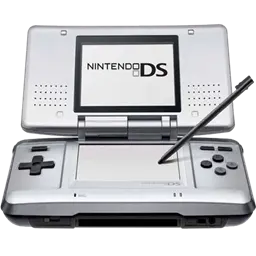
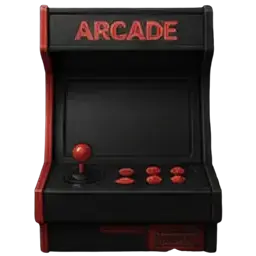
The platform includes titles from handheld and home consoles such as GBA, NDS, NES, SNES, and PS1, covering a wide range of genres including RPGs, platformers, racing games, fighting games, and arcade-style classics.
Using browser-based emulation powered by EmulatorJS, games are designed to run across both desktop and mobile devices with controls adapted for keyboard, touch input, and supported controllers.
What Are Emulator Games?
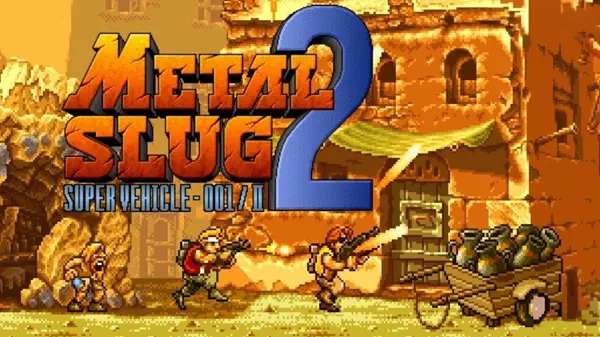
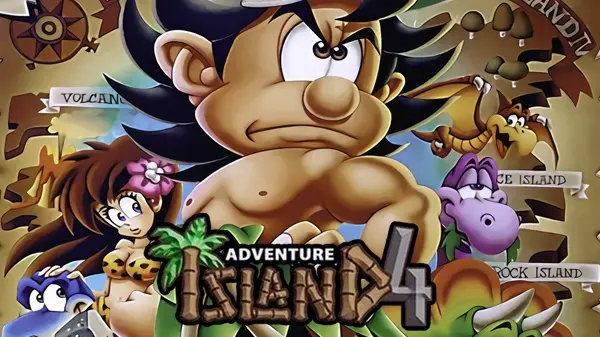
Emulator games are video games designed for older console generations, including handheld and home gaming systems from the 1980s, 1990s, and early 2000s. These titles were originally built for dedicated hardware, but can now be experienced through console emulation technology.
A large part of retro gaming comes from these systems, covering everything from side-scrolling platformers and arcade-style action games to turn-based RPGs and exploration-focused adventures. Many classic games from this era are still remembered for their level design, pixel art, soundtrack, and gameplay balance rather than cinematic presentation.
Compared to many modern releases, older emulator games often focus on direct mechanics and clear progression. Some emphasize precise movement and reaction timing, while others are built around exploration, strategy, or gradual character growth.
Console Emulators
Supported Systems
Emulator Games Zone provides access to emulator games from several major legacy platforms:
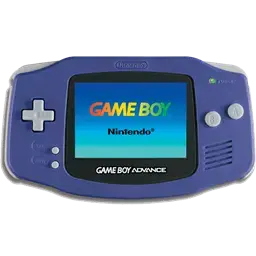
- Game Boy Advance (GBA)
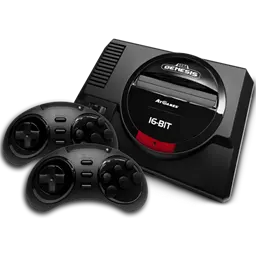
- Sega Genesis (Genesis)
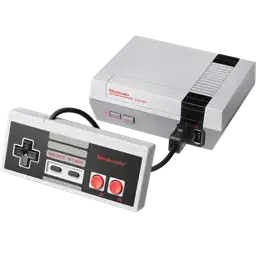
- NES (Nintendo Entertainment System)
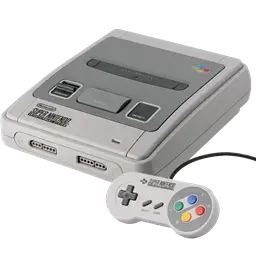
- SNES (Super Nintendo Entertainment System)
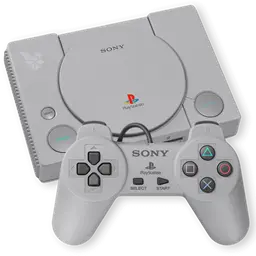
- PlayStation 1 (PS1)
Each system includes its own library of retro games and classic games, adapted for browser-based play.
Browser-Based Emulation
All games run using EmulatorJS, enabling console emulation directly within the browser.
- Emulator cores load dynamically when a game starts
- Game data is processed in real time
- Controls are mapped for keyboard or touch input
This removes the need for standalone emulator software or manual ROM management.
How to Play Emulator Games Online
Playing games on Emulator Games Zone is designed to feel simple and familiar. Once a game is launched, the emulator starts directly in the browser and loads the selected title automatically. Most games support keyboard controls by default, while mobile devices use on-screen touch controls.
Game progress is stored locally in your browser, so you can return to many Emulator Games later without creating an account. Depending on the emulator and game type, additional features may also be available to help customize the experience.
Save State & Load State
Save States allow you to capture the exact moment of gameplay and return to it later. Unlike traditional in-game saves, Save States preserve everything currently happening on screen, including character position, health, and progress.
- Use Save State before difficult sections or boss fights
- Use Load State to instantly continue from a previously saved point
- Useful for longer Retro Games that originally had limited save systems
Control Settings
Most Emulator Games include default keyboard mappings, but controls can usually be customized through the emulator settings menu.
Players can:
- Remap buttons to preferred keyboard keys
- Adjust controller layouts on supported devices
- Connect compatible gamepads for a more console-like experience
This is especially helpful for action-heavy games that require more precise controls.
Cheats
Some emulators support cheat functionality for compatible games. Cheats can be used to modify gameplay behavior, unlock features, or experiment with different play styles.
Common uses include:
- Infinite lives or health
- Unlocking hidden content
- Skipping difficult sections
- Testing alternative game mechanics
Cheats may not work with every game and can sometimes affect save compatibility.
Export Save
Export Save allows players to download local save data from the browser and keep a backup copy on their device.
This feature can be useful when:
- Switching browsers or devices
- Backing up long RPG progress
- Preserving save files for future sessions
Import Save
Import Save lets players load previously exported save files back into the emulator.
This can be used to:
- Continue progress from another device
- Restore backed-up saves
- Resume gameplay after clearing browser data
Imported saves must match the correct game version to work properly.
Contact Us
If you have questions, feedback, or notice any issues while using Emulator Games Zone, feel free to reach out. We’re always open to suggestions on improving game access, adding new Emulator Games, or fixing broken titles.
Whether it’s a missing Retro Games console section, a request for a specific Classic Games series, or general site support, your message helps keep the platform organized and up to date.
You can contact us anytime at: [email protected]
We try to respond as soon as possible, but please allow a short delay depending on message volume.